
FOR CLASSES & WORKSHOPS
For class and workshop organizers
Make more time to teach—and turn every class intothe next booking.Bookings and repeat visits,all in Shopify.
Bring class times, event bookings, capacity, instructors, and rooms into one booking system. Use attendance history to guide guests naturally to the next class or resource.
No coding · No booking fees · Guided onboarding
See Maru Booking features & pricingNo booking fees
No added fee as attendance grows
Bookings and customers, together
Keep attendance and purchases in Shopify
Guided onboarding support
Set up a flow that fits your classes
BEHIND THE CLASS
There is too much admin before and after every class.
In a small studio, the instructor often plans, promotes, books, collects payment, and follows up. Those small tasks quickly take time away from teaching.
Registrations are scattered across DMs and forms
Copying Instagram, email, and form requests into spreadsheets leads to missed registrations and slow replies.
Capacity, instructors, and rooms are hard to coordinate
Checking capacity, instructors, rooms, and equipment separately makes double-booking a constant concern.
Day-of payments and cancellations take time
Last-minute cancellations after materials are prepared—and checking cash or transfers on the day—add operational stress.
The relationship ends after one visit
Without attendance history or interests, it is harder to recommend the right next class.
FREE CONSULTATION
We will look at how you take bookings today and how much admin you could remove.
THE REPEAT LOOP
Turn attendance into the next “I want to go”
A booking is only the beginning. Learn what guests enjoy and make the next experience part of the same journey.
- 01 / BOOK
Book a class they love
Guests review dates, details, and availability, then register when it suits them.
- 02 / JOIN
Prepay for a smoother class day
Spend less time on check-in and payment so instructors and guests can focus on the experience.
- 03 / KNOW
Save attendance in Shopify
Keep classes attended and products purchased in the same customer profile.
- 04 / AGAIN
Inspire the next visit
Follow up with relevant classes, passes, material kits, and learning resources.
BOOK → JOIN → KNOW → AGAIN
Make one visit the start of a lasting relationship.
MADE FOR YOUR CLASS
A fit for every class size and schedule.
From one-off experiences to recurring lessons, combine content, capacity, instructors, and locations around the way you teach.
COOKINGCooking & baking classes
Manage capacity, instructors, and kitchens for small groups, with settings that can include material costs.
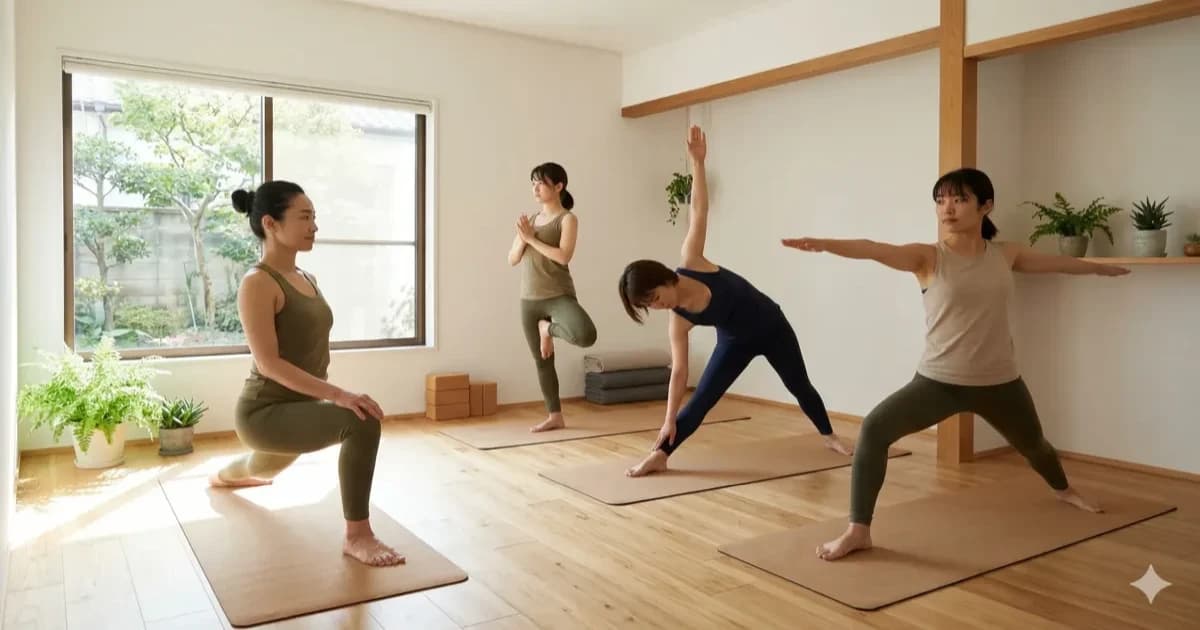
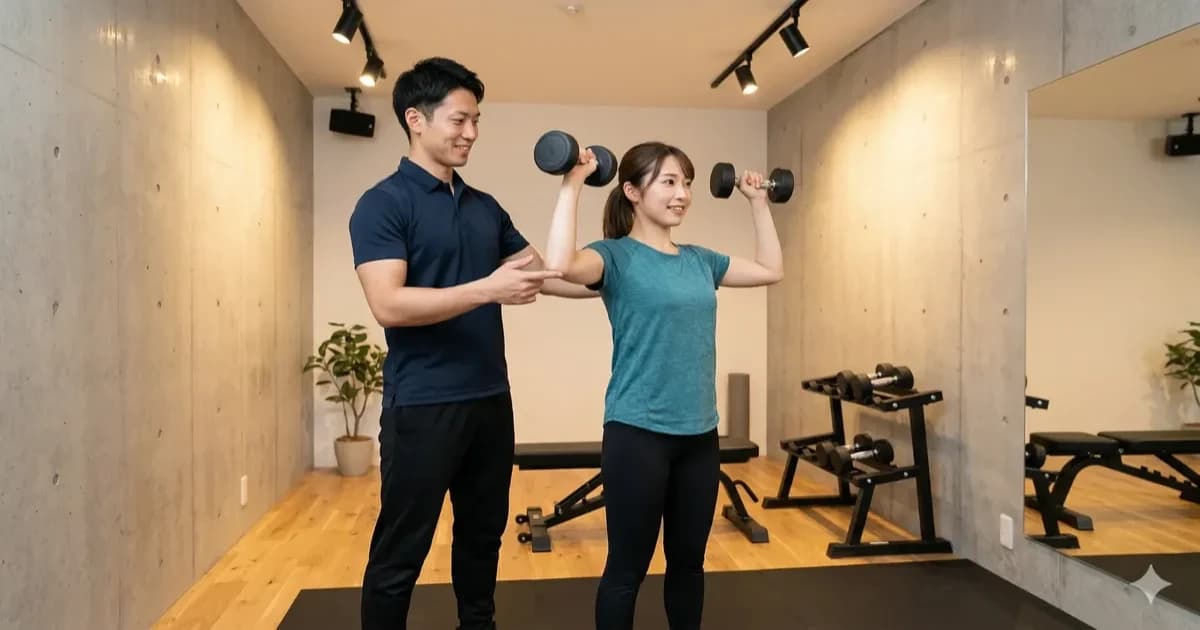
 WELLNESS
Yoga & fitness
Show availability for every session and coordinate instructors with studios.
 CRAFT
CRAFTCraft & maker workshops
Support one-off workshops and multi-part courses, then offer kits and tools after the session.
 LEARNING
Kids & learning programs
Organize trial classes by age or course, parent information, rooms, and instructor schedules.
EVERYTHING IN ONE PLACE
Everything you need from registration to attendance.
Connect time slots, class-day schedules, and customer data inside Shopify.
Booking calendars for every class
Set dates, booking windows, duration, and capacity, then accept bookings from a Shopify product page.
Capacity, instructor & room management
Register instructors, rooms, and equipment to avoid conflicting reservations.
Customer & order data
Connect class bookings and material purchases to Shopify customer and order data.
Shopify Flow integration
On Pro, use three triggers: completed bookings, cancellations, and 24-hour reminders.
Add to Google Calendar & ICS export
From the booking list, add each booking to Google Calendar or download it as an ICS file, so instructors and staff see it in their own calendars.
TRY IT IN YOUR STORE
Try the booking experience free for 7 days
START SMALL
Start small, around the way you teach today.
You do not need to change everything at once. Start with a new class or trial session and gradually grow your direct guest relationship.
- 01
Review your classes and current intake
Map out DMs, forms, calls, class capacity, and payment methods.
- 02
Create booking products and time slots
Configure dates, instructors, rooms, and capacity around your operation.
- 03
Build the path to the next booking
Use attendance history to recommend the next class, passes, resources, or kits.
We will shape a booking and repeat-visit flow that fits your classes
Tell us about class volume, frequency, capacity, and payment, and we will recommend the right starting point.
CHOOSE YOUR NEXT STEP
Choose the way you want to get started.
Talk through your operation first, or begin by trying the booking experience yourself.
CONSULTATION
Plan your setup in a free consultation
We will plan a flow for intake, classes, instructors, rooms, and post-class follow-up.
- Review your current booking intake
- Choose the right features and plan
- Plan the path into Shopify
FREE TRIAL
Explore every feature free for 7 days
Add classes, dates, capacity, and instructors, then test the guest booking experience in your own Shopify store.
- Free trial on every plan
- No booking fees
- No code changes
FAQ
Class & workshop booking FAQs
Can I accept class and workshop bookings on Shopify?
Yes. Create a class as a booking product, then configure dates, duration, capacity, instructors, and rooms. You can send visitors from your website or social channels to the Shopify booking page.
Can I set capacity for small-group classes?
Yes. Set capacity for each class and time slot, show remaining availability, and manage related resources such as instructors and rooms.
Can I use it for both one-off workshops and recurring classes?
Yes. Create booking slots for one-off events, trial classes, and regularly scheduled programs.
Can I send reminders before a class?
On Pro, use the 24-hour reminder Shopify Flow trigger to build notifications for materials, directions, and other class details.
Can I sell learning resources and material kits on the same site?
Yes. Sell bookings, resources, and material kits in the same Shopify store and keep attendance and purchase history in one customer profile.
Does it work for a small independent studio?
Yes. Choose a plan for anything from a small independent class to multiple instructors and locations. Paid plans include a 7-day free trial.
From the first class booking to the next visit,
grow the relationship in Shopify.
Tell us how you accept bookings and run classes today, and we will recommend a practical way to begin.
Start with a free consultation or a 7-day free trial.
No booking fees · No code changes