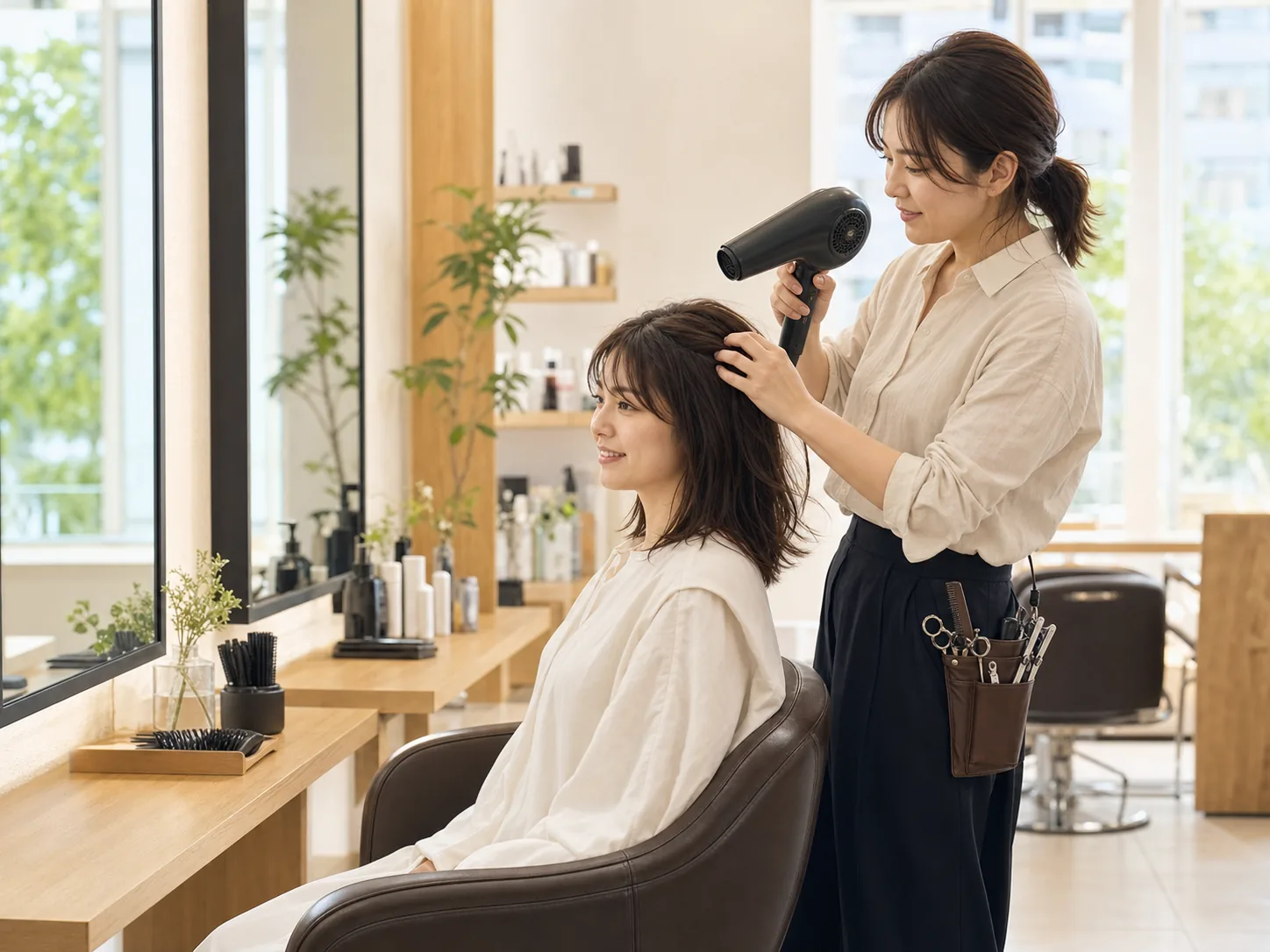
FOR INDEPENDENT SALONS
Give every clientyour full attention.Build a calmer salon.Bookings and retail,all on Shopify.
Accept service times and visit bookings online without stopping for calls or DMs. Keep appointment and purchase data together in one Shopify booking system.
No coding · Guided onboarding
See Maru Booking & Appointments features & pricingNo booking fees
No added fee per appointment
Keep customer data in Shopify
Connect appointments and product purchases
Guided onboarding support
Get help shaping your booking flow
Calls, DMs, and the booking ledger never line up.
Small booking tasks add up all day, taking time away from clients and from growing the salon.
The phone rings during appointments
You cannot stop mid-service, and by the time you call back the client may have booked elsewhere.
DMs consume your open time slots
Confirming dates, services, and staff through repeated messages slows every booking down.
Last-minute cancellations hurt
When a long service slot opens at the last minute, it is hard to refill—and both revenue and staff time are lost.
Retail and client data stay separate
Without a connected purchase history, the next product recommendation or reorder is easy to miss.
Free consultation
We will look at how you run bookings today and how much admin you could remove.
From booking to “see you again.” One connected client journey.
Clients book on their own time. Your salon connects pre- and post-visit data in Shopify and focuses on service and the next recommendation.
BEFORE
Clients check availability
They choose a service, staff member, and time from your Shopify store.
BOOKING
Take bookings
Take payment at the time of booking to firm up appointments.
AFTER
Continue into post-visit retail
Connect appointment and purchase data in Shopify, then recommend the right home-care products.
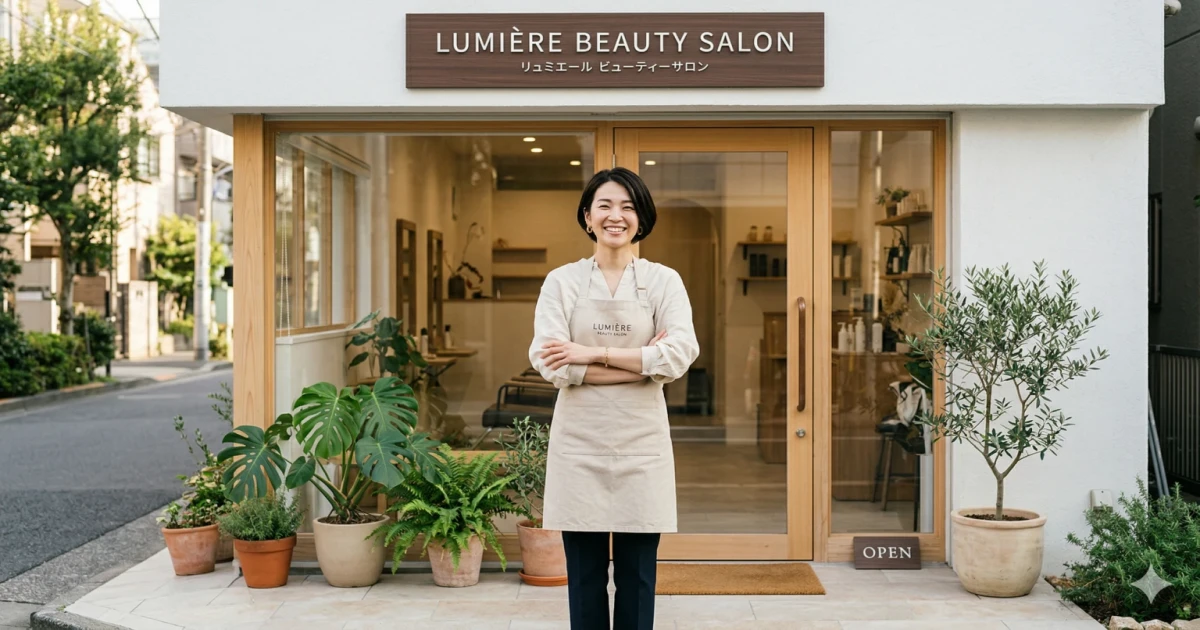
A natural fit for your salon’s time and space.
From solo studios to multi-staff salons, combine services, staff, and rooms around your operation.
 01
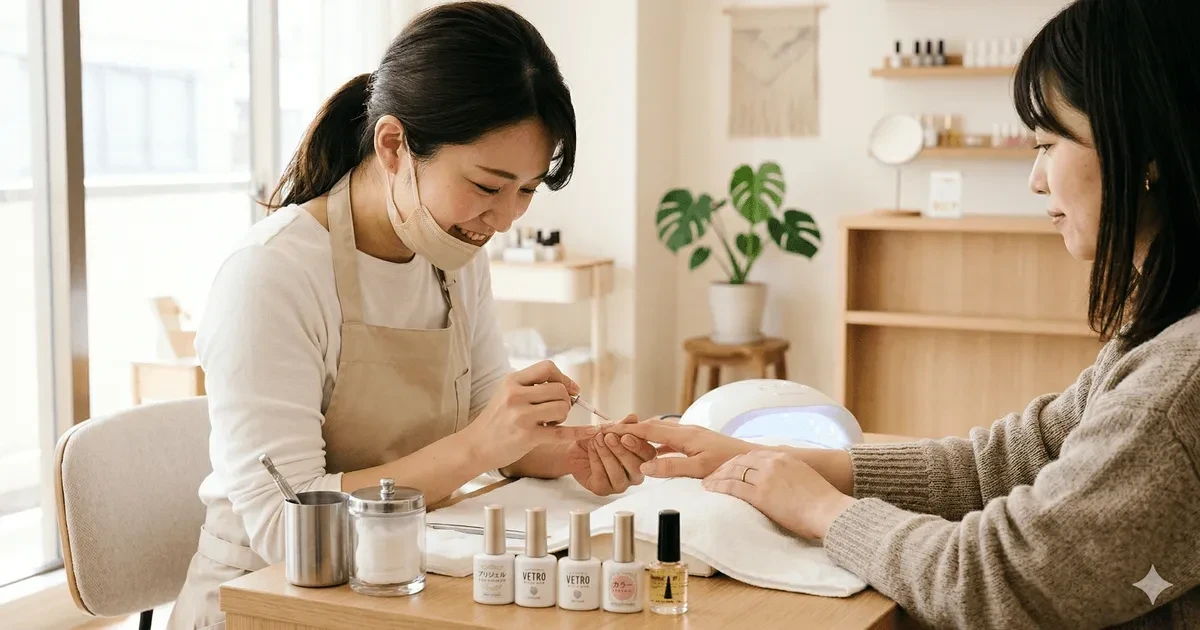
Nail salons
Organize services with different durations, staff, and chair capacity, with protection for long no-show slots.
 02
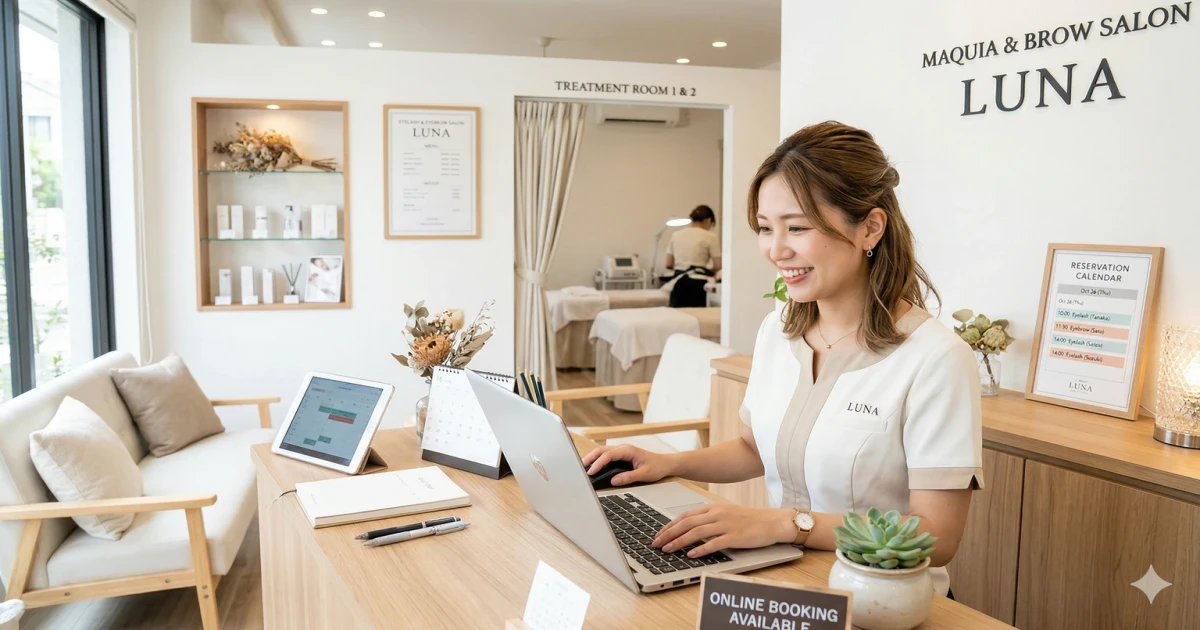
Lash & brow studios
Reduce calls during treatments and move availability checks and confirmation online.
 03
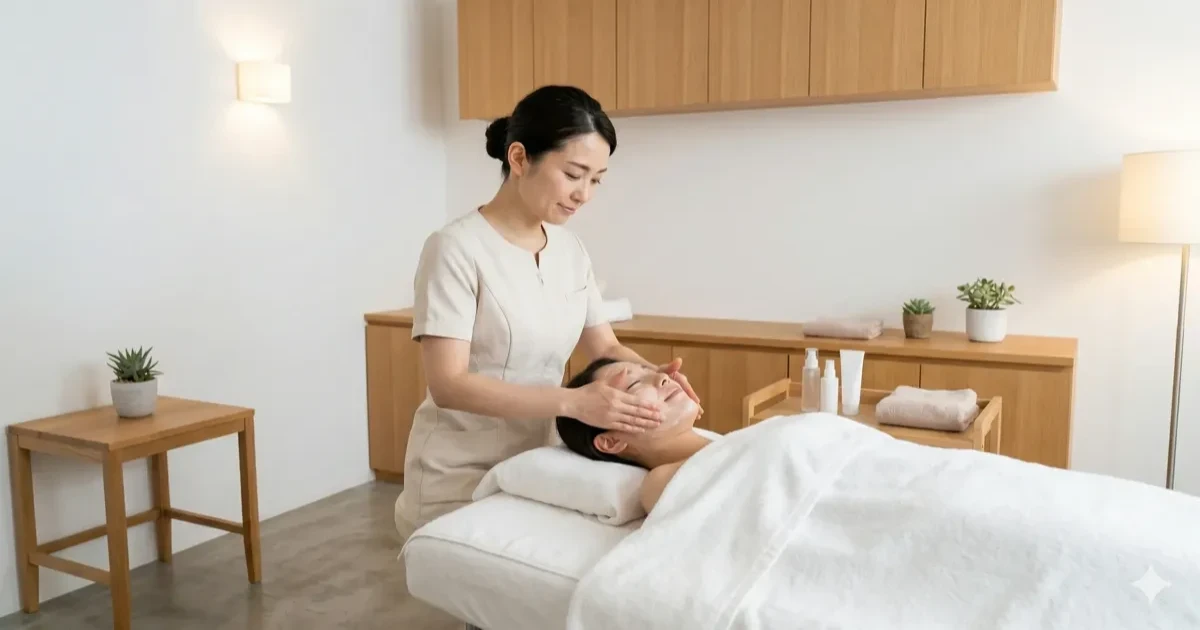
Beauty & wellness salons
Manage beds, rooms, and staff as resources.
04Hair salons
Make services, stylists, and availability easy to choose, and sell hair-care products in the same store.
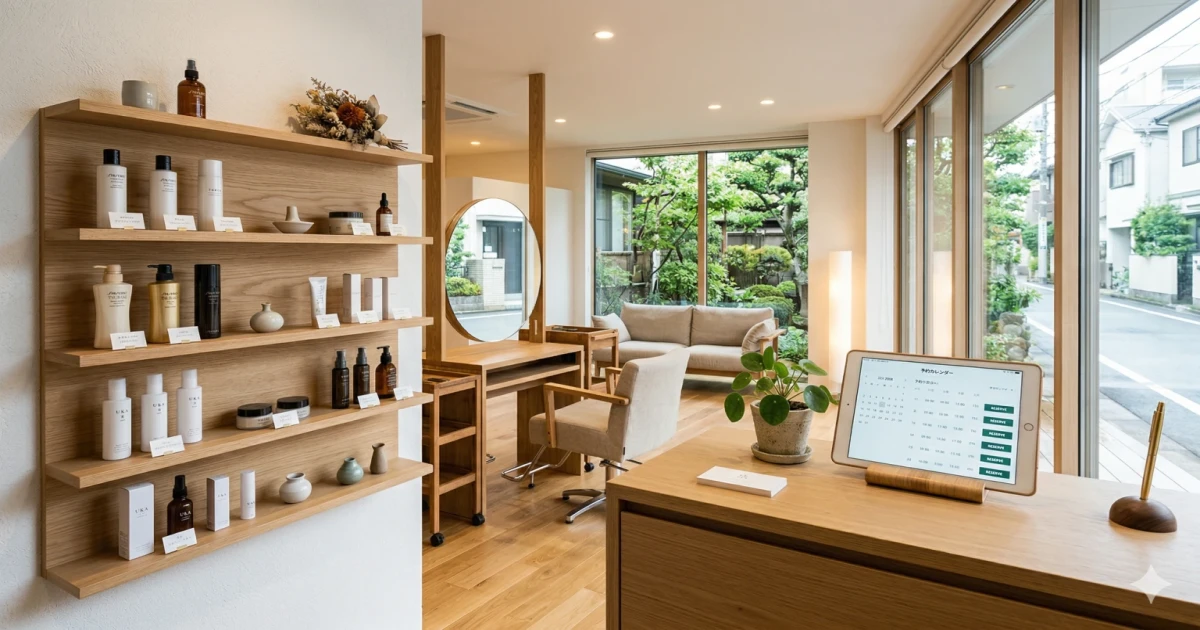
Build a booking site that continues into retail.
Sell shampoo, nail oil, skincare, and other home-care products in the same store, extending product recommendations beyond the appointment.
- Sell services and retail products in the same Shopify store
- Connect booking and purchase history in one customer profile
- Guide clients to home care and repeat purchases after the visit
Balancing Hot Pepper Beauty and owned booking
Discovery and long-term client relationships play different roles. Keep the channels that work and shape a booking journey around your salon.
Marketplaces for meeting new clients
Booking marketplaces such as Hot Pepper Beauty can remain a useful discovery channel for new clients.
Shopify booking for growing client relationships
Route your site, social, and next-visit prompts into your own booking page, keeping bookings and retail in one customer record.
Start with both, then grow direct booking
Keep marketplace discovery while gradually moving repeat-client booking into Shopify.
Reduce the booking admin in every workday.
Connect booking intake, day-of confirmation, and post-visit customer management in Shopify.
Booking calendar
Set duration, capacity, and booking windows by service, then accept appointments from a Shopify product page. You can also add questions to ask at booking, such as allergies or the treatment they want, for each service.
Staff & room management
Register staff, treatment rooms, and chairs to prevent conflicting appointments.
Customer records
On every plan, keep each customer’s visit history, visit cycle, and staff notes. Add your own fields, such as allergies or hair type.
Add to Google Calendar & ICS export
On Pro, from the booking list, add each appointment to Google Calendar or download it as an ICS file, so it shows up in the calendar you already check.
Shopify Flow integration
On Pro, use six triggers: new bookings, cancellations, reschedules, no-shows, 24-hour reminders, and completed visits.
Customer & order data
Connect appointments and retail purchases to Shopify customer and order data for better follow-up.
See it in your store
Install and try it in your store
Start without giving up your current marketplace.
Keep marketplace discovery while gradually growing direct bookings through your website, social channels, and repeat-client follow-up.
- 01
Review your current booking channels
Decide which calls, DMs, marketplaces, and paper processes to keep—and what to move into Shopify. - 02
Add services and appointment slots
Set service duration, staff, and rooms to match how your salon runs. - 03
Grow owned booking step by step
Guide clients from your website, social channels, and next-visit messages to gradually grow direct bookings.
We will shape a booking flow that fits your salon
Tell us how you book today, your team size, and whether you sell products, and we will recommend the right starting point.
You can start for free
Choose one of two ways to begin around your salon workflow.
Consultation
Plan your setup in a free consultation
From running alongside portals to staff and room setup and retail, we work out the flow that fits your salon.
Free trial
Explore every feature free for 7 days
Add services, staff, and time slots, then test the booking experience in your own Shopify store.
Salon booking FAQs
Can I build a salon appointment system on Shopify?
Yes. Add services as booking products and set dates, staff, and rooms. You can send clients from your website or social channels to the Shopify booking page.
Can I use it alongside Hot Pepper Beauty or another booking marketplace?
Yes. Keep marketplace discovery while directing website, social, and repeat clients to Shopify. While you have multiple booking sources, plan capacity carefully to prevent overlap.
Can it handle long nail or beauty treatments?
Yes. Set service duration and slots for each menu, then combine them with staff and room resources.
Can I send appointment reminders?
On Pro, use the "Booking reminder 24h before" Shopify Flow trigger. Each trigger includes the Shopify customer, so a Shopify marketing automation can email a reminder to customers who agreed to receive email. Triggers for new bookings, reschedules, no-shows, and completed visits automate other steps too.
Can I sell shampoo, cosmetics, and other retail products too?
Yes. Sell services and retail products in one Shopify store and connect bookings with product purchases in customer data.
Does it work for an independent salon?
Yes. Choose a plan for anything from a solo salon to multiple staff and locations. Paid plans include a 7-day free trial.
From booking to “I want to come back.”
Tell us how bookings work today. We will help decide what to keep and what to connect, for solo salons and growing teams alike.